


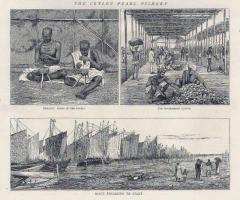
inthe19thcentury.Engravingfrom1885inLesartsetmetiersillustresbyAdolpheBitard..jpg.e1a927711fcfd2b0ff4e844edd7df538.jpg "Pearl fishers in Ceylon (present-day Sri Lanka) in the 19th century. Engraving from 1885 in Les arts et metiers illustres by Adolphe Bitard..jpg")

.Puttalam.jpg.62b9f95b92de32930adae5d040312af3.jpg)
.jpg.94443a6029c4e0592ca23960c590ac45.jpg)
inthe19thcentury.Engravingfrom1885inLesartsetmetiersillustresbyAdolpheBitard..jpg.67d9b2dc42ea2ee7ab512dfd5ad62abf.jpg)

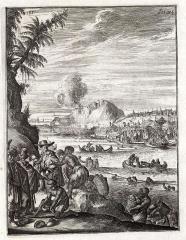
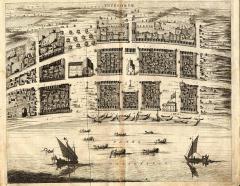
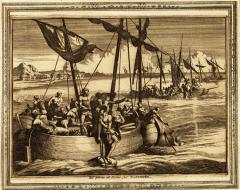
Pearl fishers in Ceylon (present-day Sri Lanka) in the 19th century. Engraving from 1885 in Les arts et metiers illustres by Adolphe Bitard..jpg


- 103 views
- View நன்னிச் சோழன்'s images

A better way to browse. Learn more.
A full-screen app on your home screen with push notifications, badges and more.
By using this site, you agree to our Terms of Use.